A supplier’s request to change its bank account raises three questions: who initiated it, how to verify that person independently, and which payments to pause? A fixed process keeps decisions consistent under pressure. This is an internal administrative workflow. If payment was sent or an email account may be impersonated, follow existing escalation and bank-contact procedures.
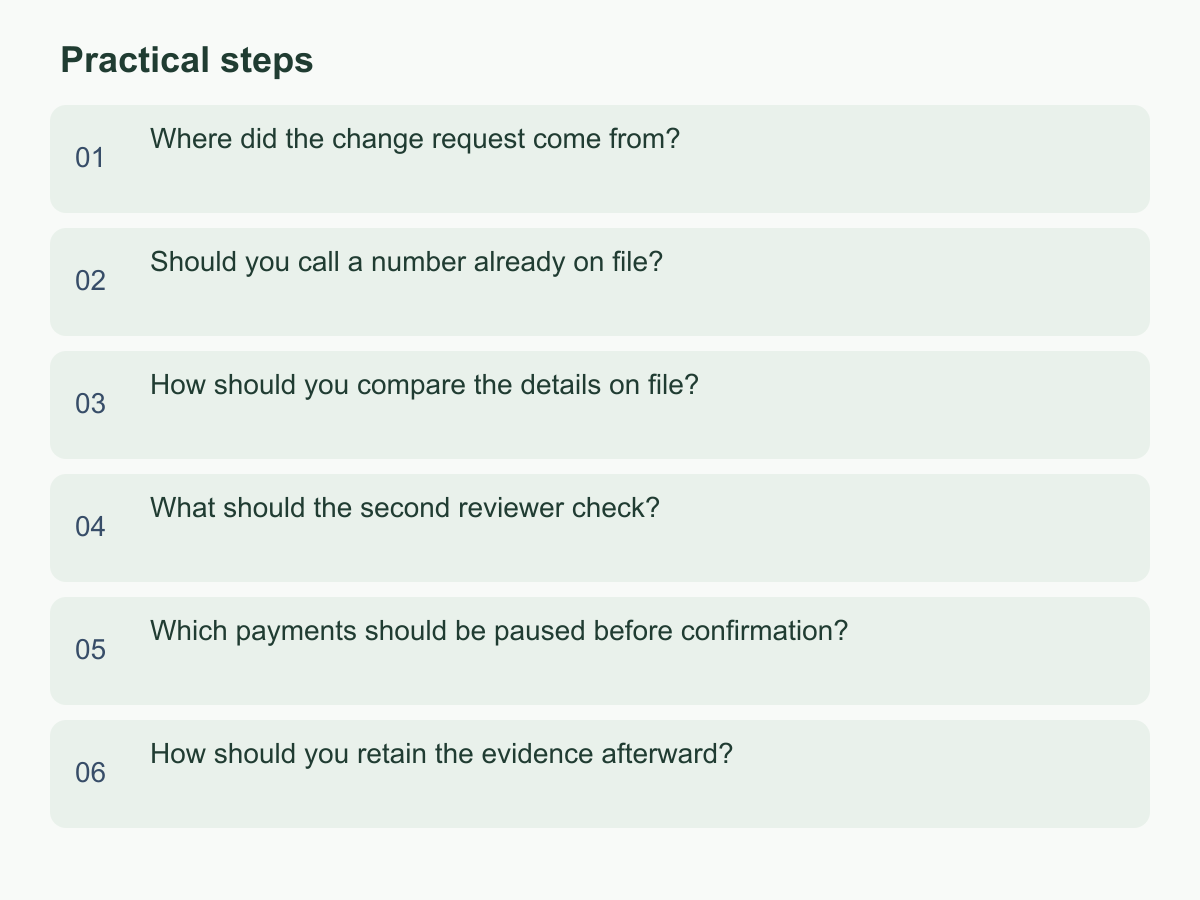
Where did the change request come from?
Pause at a reversible point. Record the notice time, sender address, subject, attachment names, old and new account details, effective date, and affected invoices. Retain the original email and headers; screenshots are supplementary. Keep the notice separate from the payment request so forwarding does not obscure its source.
Check the channel: an established procurement platform, a familiar company email, or a new domain or chat account. A display name does not prove the domain matches, and a reply-to address can change. Attachments, signatures, and stamp images are clues only. Record demands for same-day payment, secrecy, or skipped steps and raise the review level; do not change the supplier master under pressure.
For example, if the supplier name is right but the sender address has an extra letter, note it, preserve the email, and stop the change. Do not call a number in its attachment. The source guides follow-up; it does not approve the account. Tell accounts payable which supplier and unpaid items are held and who follows up; unrelated payments continue. Assign one contact for further documents. Record who received or forwarded the notice, where it is kept, when the payment owner was told, and link any matching procurement-platform record.
Should you call a number already on file?
Use a route separate from the change notice. Do not call a number in the sender’s signature, attachment, or new message. Find a number in the supplier master, signed contract, verified procurement record, or account-manager directory. Note its source and last confirmation.
Have a colleague call from the company’s usual work phone, explain that payment details are being verified, and ask the supplier to respond through its established process. Do not read the full new account number aloud first or ask a leading question inviting “yes.” A written reply from an email address already on file may help, but does not replace comparison or second review.
If the contact uses an unfamiliar extension, presses for immediate payment, refuses a callback, or insists on a new chat account, end the call, record what happened, and use the old switchboard or procurement contact. A disconnected number is not approval. Establish a new route through an existing switchboard or earlier contact, with a second person checking another old source. If the directory was updated from this request, trace it to an earlier contract or procurement exchange.
For example, if the contact in a year-old contract has left, ask the switchboard to transfer the call or reach an existing manager; do not use the new email’s number. If no reliable route is available, mark the request “awaiting verification,” note what is missing, name an owner, and set the next check. A call or no reply is not consent.
How should you compare the details on file?
A callback checks whether the requester was reached through an established channel. Then compare against an earlier approved record: the supplier’s legal or contract name, account name, bank and location, currency, account number or identifier, affected invoices, and effective date or scope.
Formats vary by bank and region. Do not assume an abbreviation, translation, company-name change, or intermediary-bank detail refers to the same account. Request readable documents for the finance owner to interpret using the company’s format. If the old master may be outdated, find the basis for its last approval; a newer email cannot validate it.
This hypothetical comparison shows the method; the names and differences are examples only.
| Hypothetical check | Old record and new notice | Handling |
|---|---|---|
| Supplier name | Contract name matches | Mark as matching |
| Account name | New information omits one word | Do not treat as a match yet |
| Invoices covered | Notice mentions only this month | Ask the supplier to confirm scope |
An unexplained difference in payee name, account number, or scope is not approval, even if most fields match. Mark each as matching, awaiting explanation, or not matching, and point to the supporting old record. If a merger or name change explains a different supplier name, request a formal document linking the contract party to the new account holder and confirm again by independent callback. A complete-looking document does not remove contact risk. Limit the result to the specified account, currency, and invoices; it is not a broader credit judgment. Keep incomplete fields pending with an owner and follow-up.
What should the second reviewer check?
The second reviewer should find the evidence independently, not simply add a signature. Procurement may collect the notice and callback record; a finance reviewer should open the old supplier master, contract, or approved payment record and compare the supplier name, old and new accounts, bank and currency, affected invoices, effective date, and contact source.
Check that the original email is retained, the callback number came from outside the new notice, the other party and their role were established, and each difference was explained. If you see only a summary, ask for source records. The processor’s account of the call is not independent. Both reviewers should not rely only on the same phone list or attachment from the new message.
If a small team cannot fully separate duties, a manager can reopen the old contract and independently call the switchboard in the supplier master. Record the checks performed and the limit on role separation. For example, if the new account should take effect next week, verify any transition for the old account, affected pending payments, and whether the master update matches the approved scope.
Return unresolved differences for follow-up; verbal assurance or urgency does not replace a check. Record the processor and reviewer, sources each consulted, conclusions, open items, and approved scope. If both relied on the same forwarded email, find an older independent record. Reading the same source twice is not dual review.
Which payments should be paused before confirmation?
Define the hold by supplier and affected payment. Before verification, do not put the new account in the master, payment batch, or reusable template. List due but unsent invoices, scheduled transfers, advances, instalments, and other items that may use the changed details. Include amount, currency, planned payment date, and status so accounts payable holds only relevant items.
For other payments to the same supplier, use company rules to decide whether they are affected; do not assume they are safe because the notice names one invoice. Procurement may continue receiving goods or reconciling records if this does not send money to an unverified account. Tell internal requesters why the hold exists and when it will next be reviewed. Unrelated supplier payments and work continue as usual.
For example, if a batch includes one unpaid invoice for the supplier requesting a change and invoices for others, remove only the affected item and keep the approved payments. Ask procurement to obtain missing documents. If money was sent, record the bank, batch, and time, contact the bank through the established channel, and notify the manager under the existing incident process. Do not promise payment can be cancelled or recovered.
Release affected payments only after callback, comparison, second review, and master update are complete and an authorized person approves. Record the basis and payment list covered; make the hold visible to anyone taking over. If verification is incomplete, update follow-up and payment arrangements item by item. Deadline pressure does not change the standard.
How should you retain the evidence afterward?
The record should let someone answer later: what supported the change, who confirmed it through which independent channel, and who approved the new details for which payments? Create one record by supplier, change date, or case number. Keep the original notice and relevant headers, source for the old account, documents for new details, source of the callback number, call date, time and person reached, field comparison, unresolved differences, and both reviewers’ conclusions.
Do not keep only a form marked “confirmed.” Keep passwords, one-time codes, and unnecessary personal information out of general notes; manage bank details under existing access and retention controls. When updating the supplier master, record who changed and reviewed it, which fields changed, approved scope, and effective time. Tell procurement and accounts payable only what they need, while retaining history for earlier payments.
Keep failed callbacks, missing independent contacts, and outstanding documents with their status and owner. Do not delete exceptions to make the file look complete. If the change applies only to three unpaid invoices in one currency, record that limit; “supplier details updated” is not unlimited authorization. After release, check that the payment list matches the updated master and add the result to the case record.
Store records where designated staff can retrieve them under access controls. Avoid scattering account details across personal inboxes or devices. If a field was entered incorrectly, follow the internal correction process and preserve the before-and-after history. For information about Hong Kong market entry and cross-border operations, visit the Chan & Chung homepage.