Treat a suspicious supplier invoice as checkable facts: Is the sender genuine? Is there a valid order? Was delivery completed? Does the payee match verified records? Has the cost already been billed or paid? Before money moves, flag and pause this invoice. Verify through existing supplier records using a separate channel. Finance, procurement and requesters share the record. Record mismatches and assign an owner; silence, familiarity or a similar-looking template is not approval.
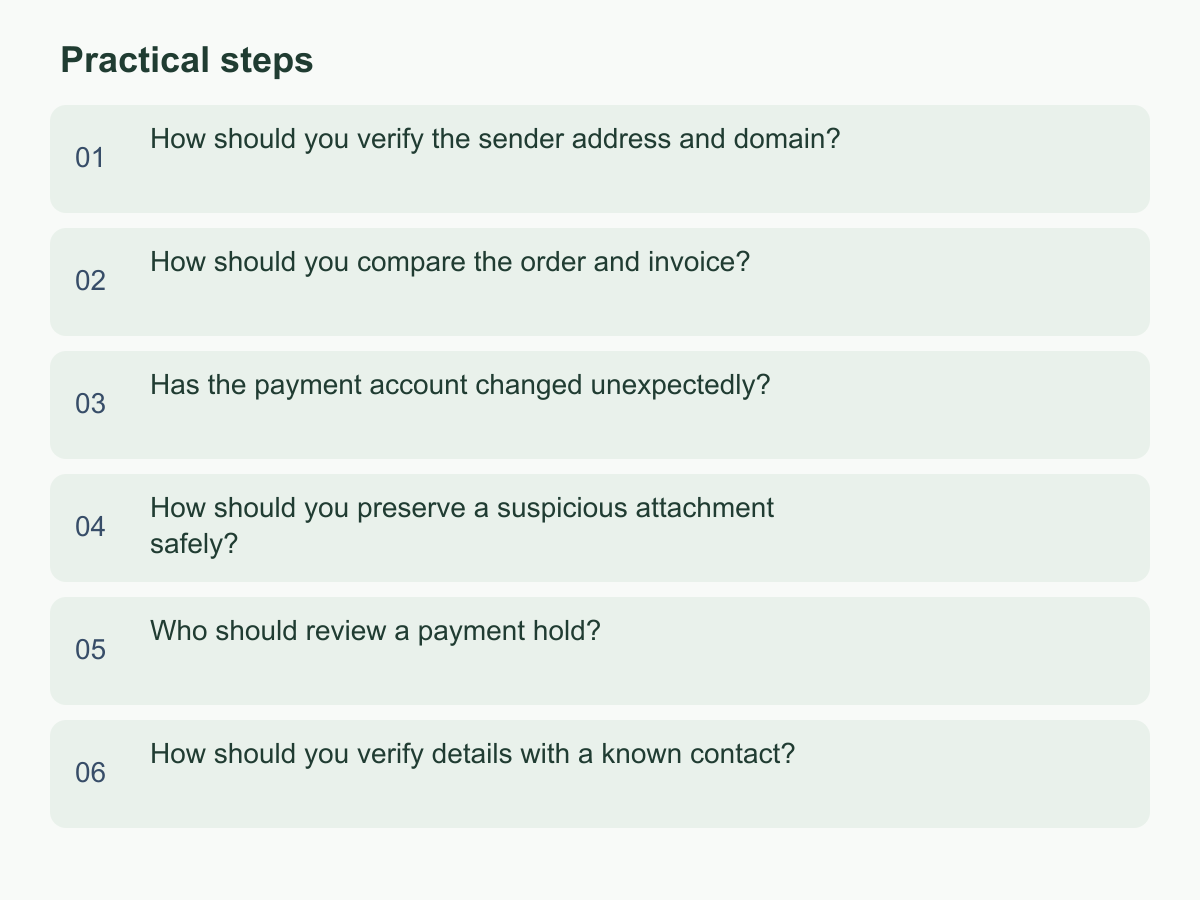
How should you verify the sender address and domain?
Separate the display name, full sender address, domain and reply-to address. Compare the domain after @ character by character with supplier records, a signed contract or verified past correspondence. Check for letter substitutions, extra hyphens, look-alike subdomains, spelling differences, unexpected country domains and sender/reply-to mismatches. Retain the original email and full headers; a screenshot may omit sender details. Do not use email links to sign in or run downloaded files.
For a new domain, call the number in the supplier file or a previously verified contact. Confirm who issued the notice, when it takes effect and which documents use it. Urgency or a chat-switch request is a warning signal. Never use contact details in the suspicious message.
For example, the verified record says @example.com, but the message comes from @examp1e.com, where l is replaced by 1. Stop even if the logo and signature match; a reply may reach the impersonator. Mark it for verification, limit forwarding, and ask information security to inspect headers and link destinations if available. Record “matches,” “pending confirmation” or “does not match,” with the source and date. Proceed only after independent confirmation; a domain match alone does not authorize payment.
How should you compare the order and invoice?
Identify the valid order, contract or approved purchase record. Compare the supplier’s legal name, order number, items or services, quantity, unit price, currency, delivery period, receipt or acceptance evidence and total. A similar name or past transaction does not authorize this purchase. For expenses without an order, follow the organization’s exception process and confirm the approver and delivery evidence; do not create an order after the fact. Phrase each mismatch as a specific question.
Hypothetical example; all figures are fictional. The order lists three devices at 1,200 each, plus 200 shipping: 3,800 total. The invoice says 4,100, a difference of 300. Check for added quantity, approved shipping changes or another traceable document. If none exists, pause the invoice and ask procurement or the requesting team to explain and support the difference. Do not change the invoice amount yourself. This arithmetic illustrates a line-by-line check, not a particular tax or accounting treatment.
Check whether the supplier, invoice number, date, amount or order already appears in accounts payable, payment records or employee expense claims. Numbers may repeat across years or branches; compare supplier identifiers and currency because the same amount could be an installment. Keep the invoice, order, delivery evidence and notes together. Before payment processing, ensure the transaction, delivery, amount and duplicate checks have traceable support. Check order change history and approvals so later-created documents are not mistaken for original authorization.
Has the payment account changed unexpectedly?
Compare payee name, bank or payment institution, account identifiers and currency with the supplier master record. Verify a new account, an email-only notice, a payee different from the contracting party, a request to pay an individual or third party, or unusual urgency. Even when the order and amount are correct, the destination is a separate risk. Familiarity is not account verification; do not add new details to the master record before confirmation.
Suppose the existing record names “Supplier A Limited,” but an email asks for payment to “Business Consultant B,” described as a group collection account. That does not prove authorization. Pause this invoice and the account change. Through a contact in the existing contract or verified in a prior transaction, confirm the reason, payee’s legal name, invoices covered and effective date. For a temporary arrangement, obtain a formal written explanation and ask an internal owner to verify its connection to the transaction. A second email from the same new address is not independent confirmation.
Have someone other than the payment operator review the change. Record old and new values, notice source, callback time, contact and title, confirmation and approval basis. Use the file’s number, document the call and update securely. If name, location or currency still differs, or no independent contact can confirm the change, keep payment paused and escalate to finance or information security. Do not update the master record before collecting evidence. An account listed in a system is not necessarily verified.
How should you preserve a suspicious attachment safely?
Retain the original email and attachment; do not overwrite the file, rename a copy as the original, or keep only a screenshot. Record receipt time, sender, subject, original filename, storage location and who saved it. Where available, export headers and record a file hash to compare copies. Keep the original in a restricted case folder, use a separate working copy and limit access to case handlers.
Before checking the file, do not click login buttons or links, enable macros or scripts, activate editing features, or upload it to an unapproved conversion or scanning site. Use the organization’s approved email protection or quarantine process. Send an unrecognized format to information security instead of opening it on a personal device. If it asks you to sign in, install software or enter payment details, stop and record the request.
For example, a file looks like a PDF but has a double extension, or the sender says to “enable content.” Do not activate interactive content to identify the invoice. Preserve the message and file, note the anomaly and use the internal security process. A view-only document still requires source and transaction checks before approved review. Preserving evidence does not prove the file is genuine or payment is approved. If the original was deleted or changed, document what is known; do not pass off a new copy as the original.
Who should review a payment hold?
Pausing one unresolved invoice is a reversible control, not a finding of fraud or a reason to stop unrelated payments. The person who notices the issue should record the reason, invoice identifiers, payment status and missing evidence, then notify the procurement or requesting owner and accounts payable reviewer. Include information security for concerns involving the sender, links or attachments. For a quantity mismatch, ask the requesting team for receipt evidence or an approved change.
Before payment, mark the invoice pending and ensure it will not enter the normal batch. Ask an authorized person to pause it; do not change permissions or delete records yourself. Show the reviewer the source invoice, order, delivery, sender and account checks, plus discrepancies. The person raising an issue should not approve their own purchasing exception. Where possible, separate account-change review from payment release. Use existing fraud or security incident processes when applicable, distinguishing unconfirmed claims from established facts.
For example, the invoice total matches the order but the payee account differs. Procurement can confirm the purchase, but finance must still verify the account through established contact details before release. If the account matches but delivery lacks acceptance evidence, pause that invoice and ask for receipt details. Record who initiated and reviewed the hold, which sources they used, what remains unknown and who owns the next step. If evidence is insufficient, maintain the hold. After checking, document why the invoice was released or rejected; silence is not approval.
How should you verify details with a known contact?
Start outside the suspicious email: use a verified number in the supplier file, a contact in the existing contract or someone confirmed in a previous transaction. Do not use a number, reply address, short link or messaging account from the new message. Ask the supplier to confirm the invoice number, date, currency, amount, order, delivery and payee. Do not disclose the full bank account number or ask for confirmation by replying to the same email.
If the contact confirms a payment notice or account change, ask who initiated it, when it takes effect and which invoice it covers. Request formal documentation through an established secure channel. If the person cannot answer transaction details, asks you to bypass the process or keep the request secret, or says the known contact is unavailable, one call is not verification. Contact another verified person and involve finance or security. If the call and documents differ, retain both, list the discrepancies and wait for independently confirmable clarification.
Before closing, an internal reviewer should mark each item “verified,” “unverified” or “not applicable,” and note its evidence location: sender source, order and delivery match, recalculated amount, duplicate check, independently confirmed account and safely retained attachment. If a key item remains unverified, keep the invoice pending; supplier pressure or month-end close is not a reason to release it. If payment was already sent, contact the bank or payment provider through its official channel to ask what action may be available. Notify internal finance and security contacts and preserve the correspondence.
For information about Hong Kong business expansion, visit Chan & Chung.